Ontospy
Ontospy is a lightweight Python library and command line tool for working with vocabularies encoded in the RDF family of languages: RDFS, OWL, SKOS and SHACL.
$ pip install ontospy
In a nutshell
Ontospy can be used either as an interactive command line interface (a repl) or as a Python package.
Calling the ontospy command from a terminal window launches a utility for scanning a knowledge model encoded in RDF (or any of its dialects e.g. RDFS, OWL or SKOS).
For example, if you pass a valid graph URI:
$ ontospy scan http://purl.org/spar/frbr
Ontospy will extract and print out any ontology-related information contained in that graph.
Many other options are available, in particular Ontospy allows to load/save ontologies from/to a local repository so that they can be cached and quickly reloaded for inspection later on. All without leaving your terminal window!
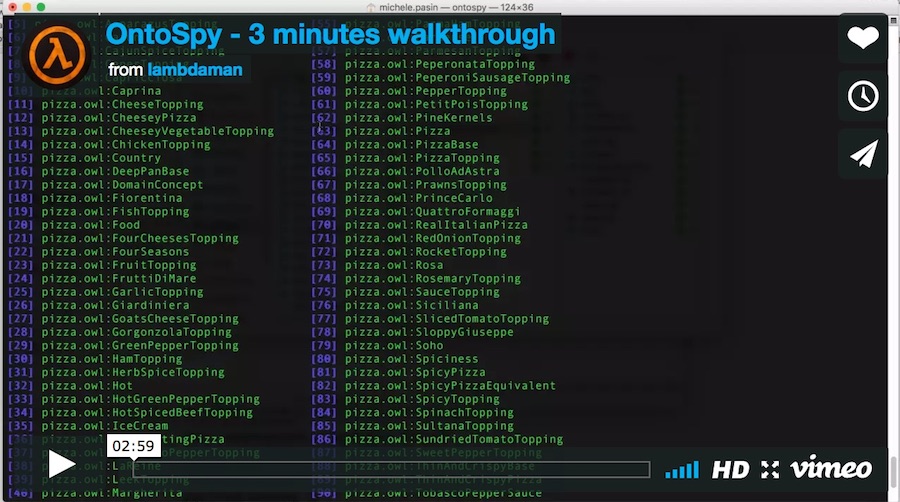
Ontospy can also generate documentation for an ontology, as HTML pages, Markdown files or interactive charts. Have a look at the examples: 32 well-known ontologies, from FOAF and SKOS to PROV-O, GeoSPARQL and FIBO.
Is Ontospy for me?
Here are some reasons why you should use it:
- You are developing a Python application that needs to extract schema information from an RDF, SKOS or OWL vocabulary.
- You have a bunch of RDF vocabularies you regularly need to interrogate, but do not want to load a full-blown ontology editor like Protege.
- You need to quickly generate documentation for an ontology, either as simple html pages or via some more elaborate interactive visualization.
- You love the command line and would never leave it no matter what.
note: Ontospy does not offer any ontology-editing features
Where to go next
- Installation
- Quick start: load an ontology in Python and explore it
- Command line: the
ontospycommand and its subcommands - Generating documentation, and how to customise it
- The getting started notebook, for a longer walkthrough
- What’s new: the changelog
Issues or questions? Head over to the issues page.